
When spreadsheets work
Spreadsheets are useful for custom reporting, tax preparation, and structured back-office work. They are less comfortable for fast job entry between service calls.
 WhoPaid
Tool comparison
Spreadsheets are flexible, but many solo workers need something faster during the workday. WhoPaid focuses on one job: track work, paid status, unpaid balances, and partial payments without setup.
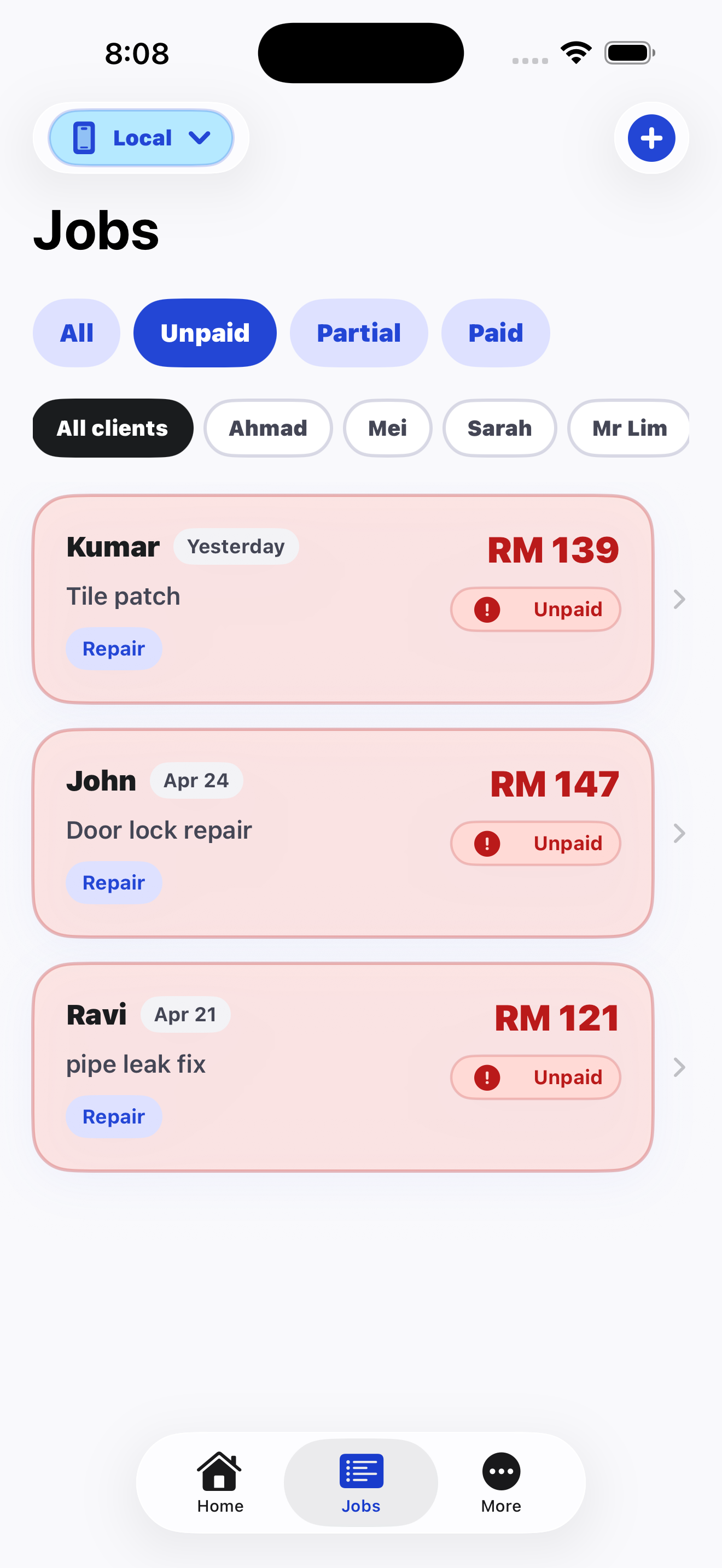
Spreadsheets are useful for custom reporting, tax preparation, and structured back-office work. They are less comfortable for fast job entry between service calls.
WhoPaid works better when you need to add a job quickly, mark it paid or unpaid, and see unpaid money without building formulas.
Many freelancers can still export or keep formal records elsewhere, while using WhoPaid as the daily front-line tracker.
Comparison
Setup
WhoPaid: Ready-made job and payment workflow.
Alternative: Spreadsheet needs columns, formulas, and maintenance.
Mobile use
WhoPaid: Designed for quick phone entry after each job.
Alternative: Spreadsheet editing on mobile can be slow and error-prone.
Payment status
WhoPaid: Paid, unpaid, and partial payment are core states.
Alternative: You must design and maintain your own status system.
FAQ
Short, direct answers for search engines, AI assistants, and freelancers comparing tools.
WhoPaid is better for quick daily tracking. Spreadsheets are better for custom analysis and formal reporting.
Yes. WhoPaid can be the simple daily tracker while you keep formal records separately if needed.
Chats and notes bury payment status. WhoPaid keeps every job and payment state in a focused list.
WhoPaid is available now on the App Store.